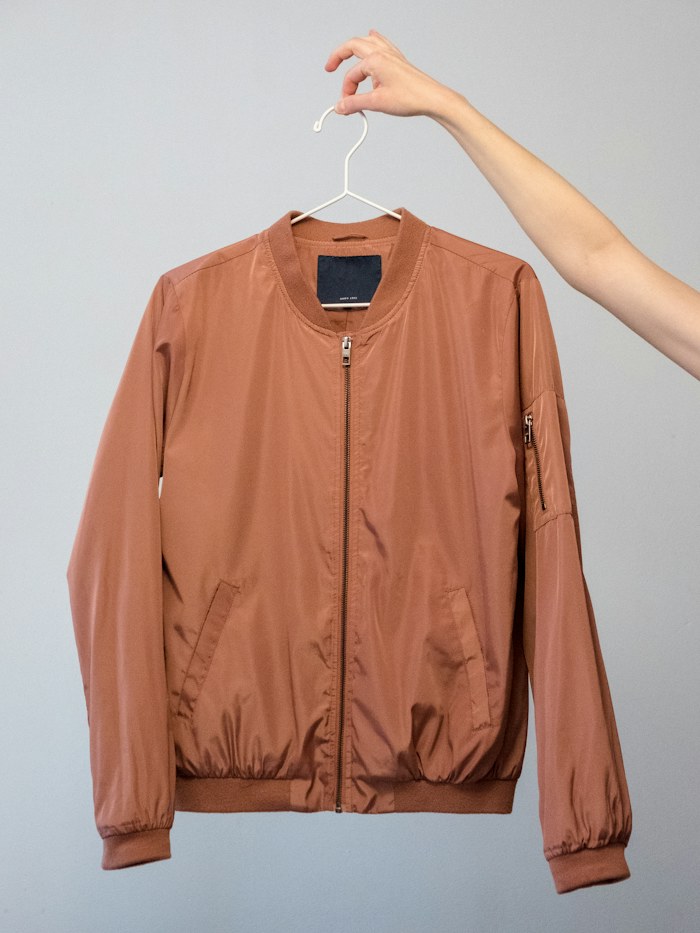
 Classic bomber₦102,000
YOUR BUSINESS, BEAUTIFULLY YOURS
A little idea. Your next big thing.
Build a shop that feels like you. Bring product photos, AI Photo Studio, stock and orders together—and accept payments in Naira.
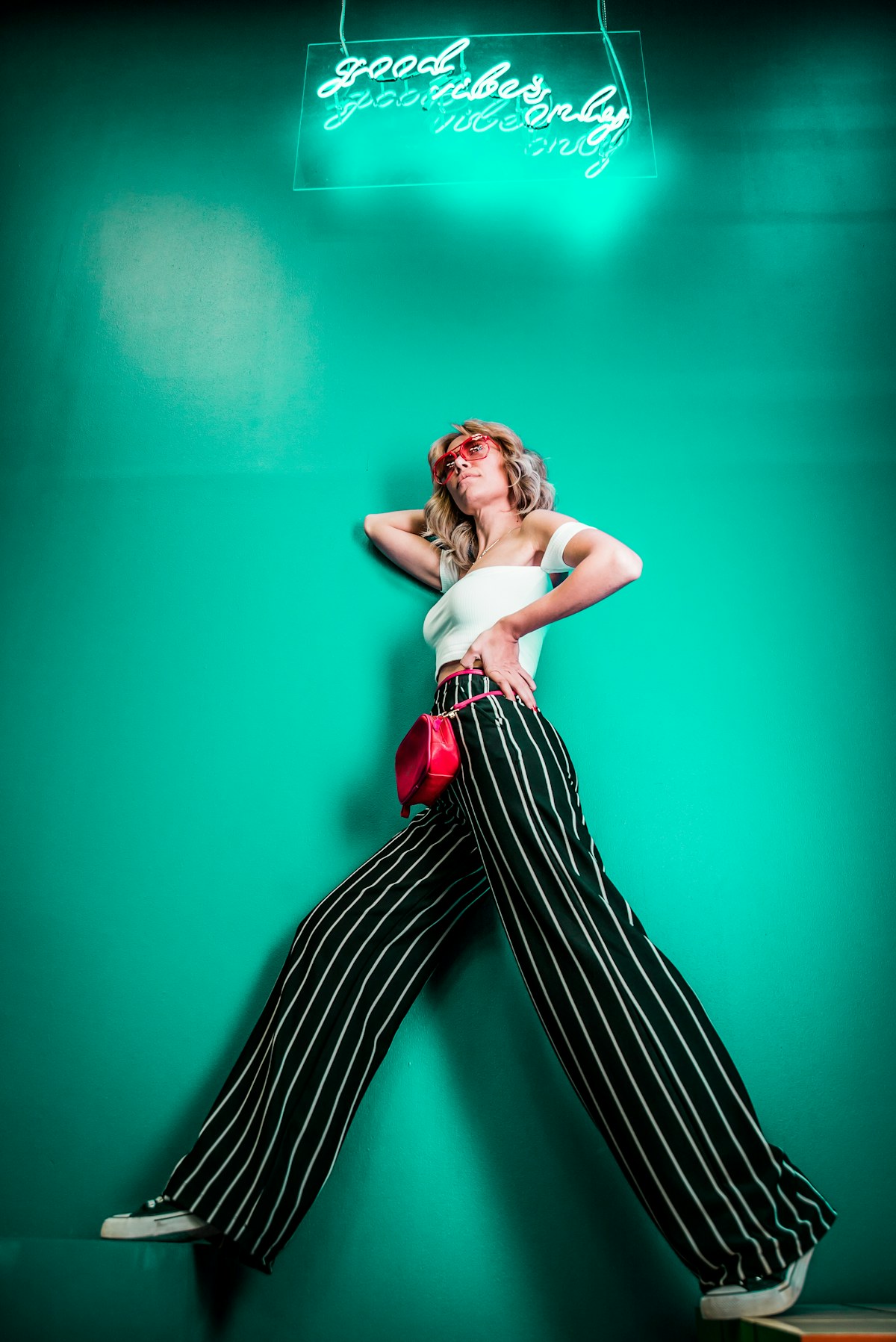

Launch with the details that make your shop feel considered from the first visit.
AI Photo Studio
Your products. A whole new perspective.
Turn your clothing photos into fresh studio shots or styled model images. Choose the look, review the results, and add your favourites to your shop.
- Choose photo
Select one or more existing product images.
- Style shot
Pick treatment, scene, pose and format.
- Review & add
Approve chosen results for the gallery.
Your next product shot
Studio GarmentFashion ModelMake the look yours
Choose your model, scene and pose. Review every result before it reaches your shop.
- Models
- Scenes
- Poses
- Formats
Storefront and workspace
Beautiful for your customers. Simple for you.
Tycoon pairs a polished public shop with a calm merchant workspace for the daily work behind it.
Tycoon Everyday Goods
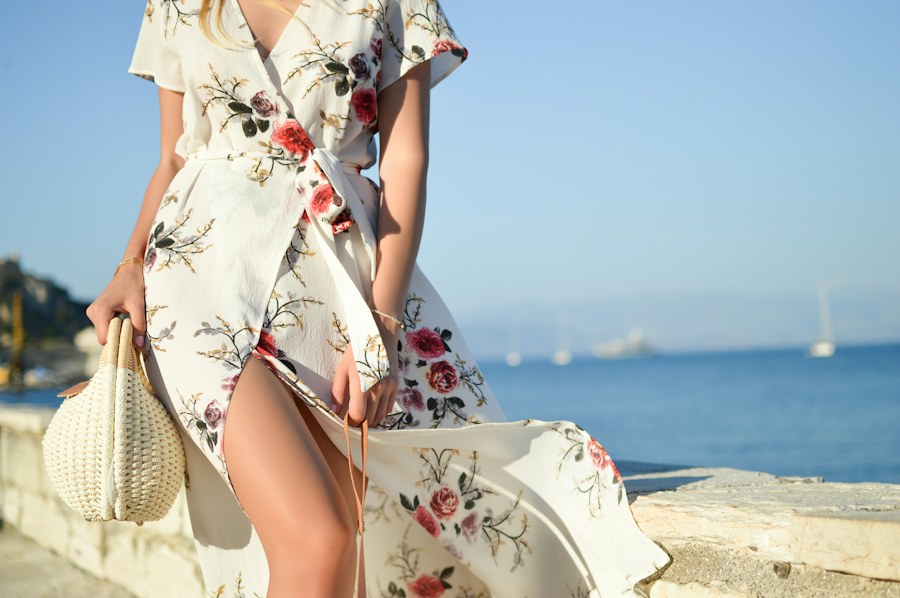
Private draft preview
Everyday pieces, edited with care.
Save and preview your shop privately. Make it public when every detail feels right.
Classic bomber₦102,000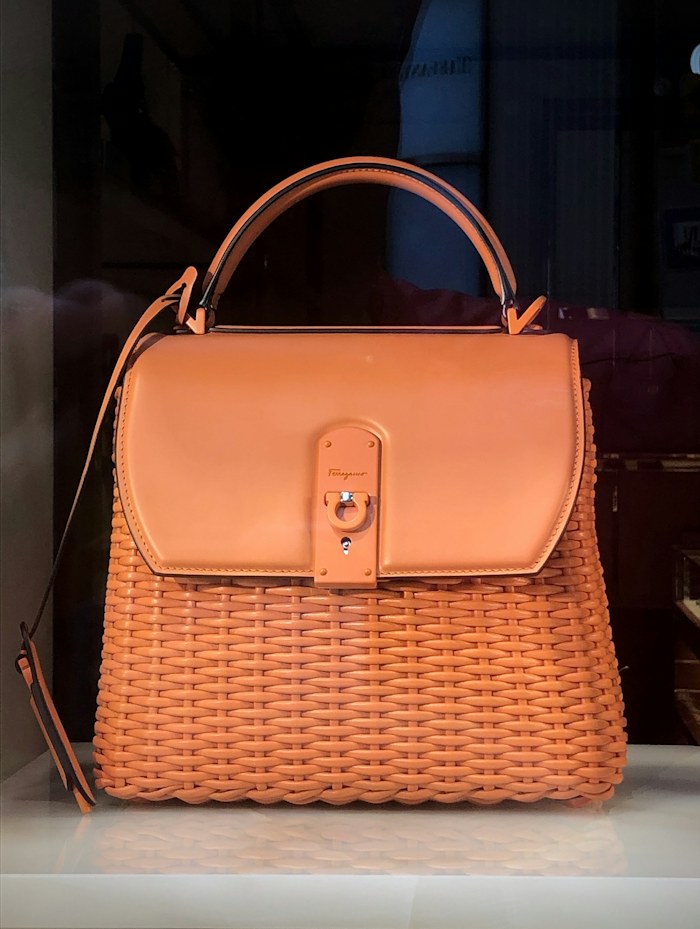 Wicker bag₦54,000
 Ceramic cup₦48,000
Merchant workspace
Payment and fulfilment, clearly separated
Paid orders18
Awaiting fulfilment6
Low stock4
T1031 · Ada M.PaidUnfulfilled
T1030 · Nia P.PaidReady to pack
T1029 · Kojo A.PendingOn hold
Daily rhythm
See what has been paid, what is ready to pack, and what needs attention before a customer waits.
Product photo, variant, price, stock
One catalogue, always ready.
Keep product photos, sizes, colours, ₦ prices, publish status and available stock in one merchant workspace.
Catalogue
Products ready to sell
Classic bomber jacket3 variants · S / M / L · ₦102,000
Available1418 on hand · 4 reserved
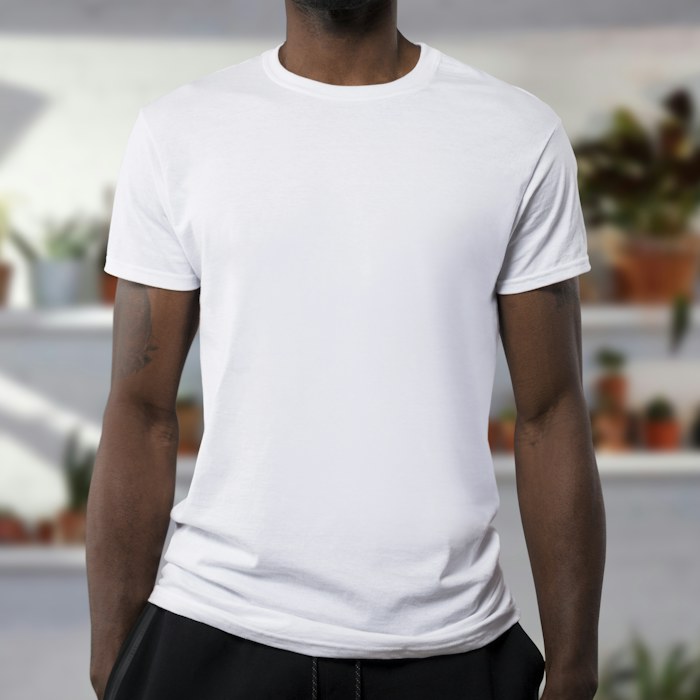
Everyday cotton tee6 variants · black / white · ₦28,000
Available2226 on hand · 4 reserved
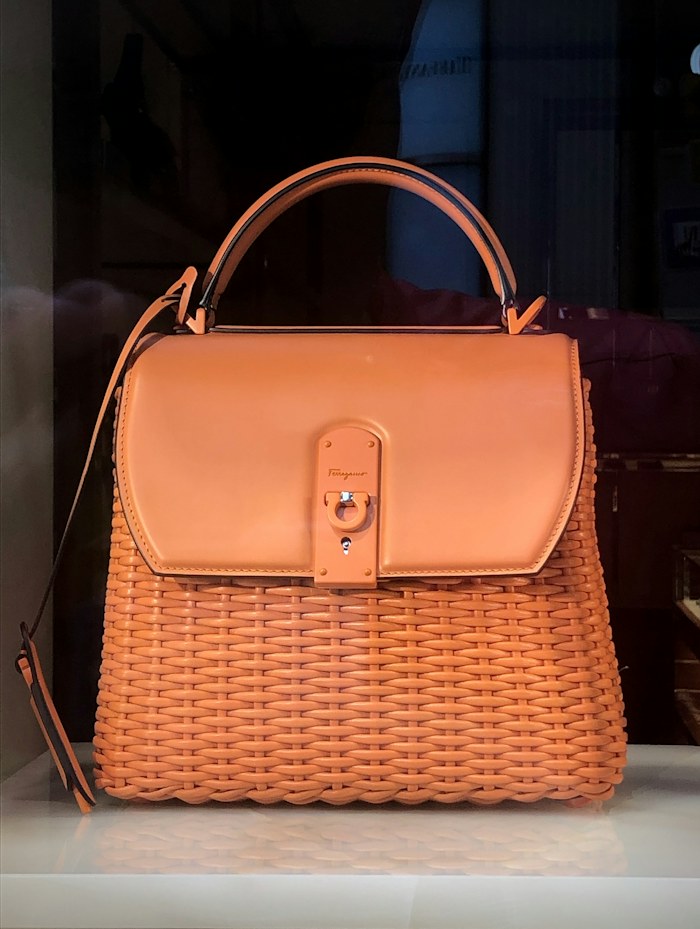
Wicker shoulder bag2 variants · tan / cocoa · ₦54,000
Available57 on hand · 2 reserved
Ceramic coffee cup4 variants · matte / gloss · ₦48,000
Available00 on hand · 0 reserved
Integrations and AI agents can manage products, variants, photos and stock through the Inventory API, using scoped keys a seller can revoke.
- Products
- Variants
- Photos
- Stock
Create, set up, publish
A shop can stay private until it is ready.
Sellers shape the storefront, preview the customer experience, and publish only the saved version. Unsaved edits remain private.
01
Create account
Sign up, choose a store name, and reserve a URL slug such as /s/your-store.
02
Add inventory
Use real photos, variant options, ₦ prices, and stock counts that distinguish available from reserved.
03
Preview privately
Review the saved storefront draft before customers see changes.
04
Publish intentionally
Publishing excludes unsaved changes and keeps the shop link stable after first publication.
Naira checkout, explained plainly
Naira payments. A clearer way to get paid.
Checkout is linked to the seller’s Paystack subaccount, with processing fees handled by the seller and settlement following Paystack’s schedule.
Checkout summary
Item total₦156,000
ShippingAgreed with seller
Buyer processing surchargeNone
Tycoon percentage commission0% current rate
Shipping may be agreed separately with the seller and excluded from item total.
Useful answers
Clear enough to trust.
Does Tycoon create a branded shop link?
Yes. Each seller can publish a shop link like /s/your-store after setup. The URL slug is treated as fixed after first publication.
Can I preview before publishing?
Yes. Storefront edits can be saved as a private draft and previewed. Publishing uses the saved draft, not unsaved changes.
Who pays processing fees?
The seller absorbs Paystack processing fees. The buyer sees the item total and any clearly stated shipping arrangement.
Is the Tycoon commission permanently 0%?
No. The current Tycoon percentage commission shown here is 0%, not a permanent pricing promise.
How do shipping and fulfilment work?
Orders keep payment and fulfilment separate so a seller can see what is paid, what is ready to pack, and what still needs coordination with the customer.
What can AI Photo Studio create?
It supports Studio Garment shots and Fashion Model shots using selected product photos, scenes, poses and portrait or square output. Each source photo produces its own reviewable result.
For independent sellers
Your next chapter starts here.
Start with a branded link, real inventory, saved drafts, and orders that separate payment from fulfilment.